
AI Tools for Filipino Remote Workers: How to Work Faster, Earn More, and Stand Out (2025)
Discover free AI tools that Filipino VAs, freelancers, and remote workers are using to boost productivity and land higher-paying clients. Practical tips for the Philippine context.
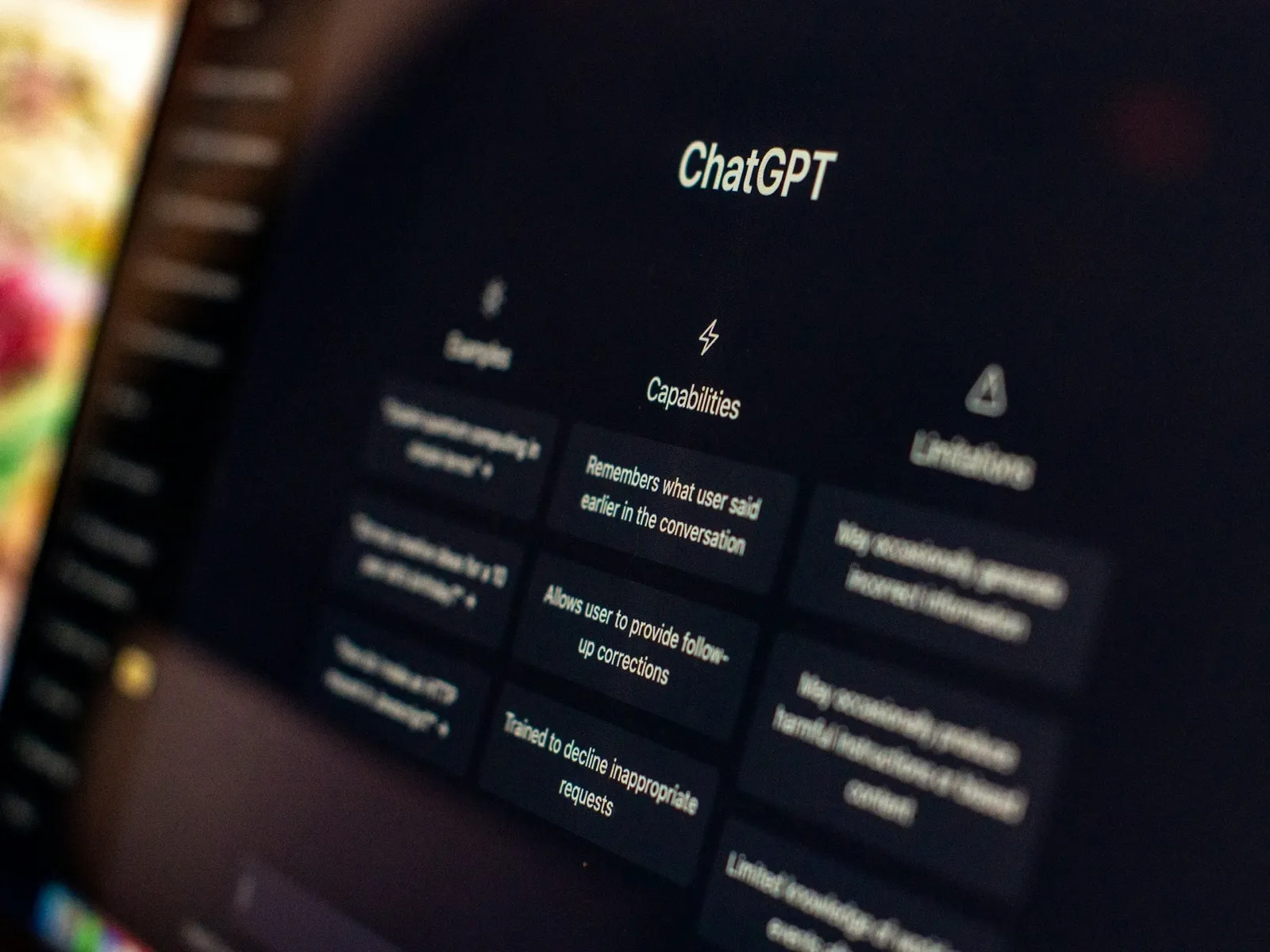
Here's something that might surprise you: Filipinos are already among the world's biggest AI users.
According to a 2024 Statista survey, 42.4% of Filipino internet users have used ChatGPT—making the Philippines the 6th highest adopter globally. A Microsoft and LinkedIn study found that 86% of Philippine knowledge workers are already using AI tools in some form.
So this isn't a guide about whether you should use AI. You probably already are.
The real question is: Are you using it strategically?
With over 1.5 million Filipinos working on freelance platforms like Upwork, OnlineJobs.ph, and Fiverr, competition is fierce. The remote workers who stand out aren't just the ones using AI—they're the ones using it to deliver better work, faster, at a level their competitors can't match.
This guide shows you exactly how to do that. We'll cover free tools that work in the Philippines, practical workflows you can implement today, and how to show international clients that your AI skills make you more valuable, not replaceable.
Why AI Makes Filipino Remote Workers More Competitive
Let's be direct: international clients hire Filipinos because of the value-to-cost ratio. Strong English skills, cultural compatibility with Western companies, and competitive rates.
But here's the shift that's happening right now: Clients aren't just looking for affordable labor anymore. They want affordable results.
AI changes what "results" looks like. A VA who can:
- Draft 10 polished emails in the time it used to take to write 3
- Create social media graphics without needing a separate designer
- Summarize hour-long meetings in minutes
- Research competitors and deliver insights, not just links
...is worth significantly more than one who can't.
The math is simple: if AI makes you 2x more productive, you can either take on more clients at your current rate, or charge more per client for faster turnaround. Either way, you earn more.
The Filipino remote workers who figure this out in 2025 will pull ahead. The ones who don't will find themselves competing on price alone—a race to the bottom.
7 AI Tools Every Filipino Remote Worker Should Know
These tools are selected specifically for accessibility in the Philippines: all have free tiers, work without VPN issues, and can be paid for via GCash or PayMaya where premium tiers are needed.
1. ChatGPT (Free Tier)
What it does: General-purpose AI for writing, brainstorming, research, coding help, and problem-solving.
Why it matters for Filipino workers: ChatGPT handles the "blank page" problem. Instead of staring at an empty document, you can generate first drafts, outlines, and ideas in seconds.
Practical uses:
- Draft client emails and proposals
- Generate social media captions in bulk
- Summarize long documents or articles
- Brainstorm content ideas
- Explain technical concepts in simple terms
Pro tip: The free tier uses GPT-4o mini, which is excellent for most tasks. Save the premium tier for complex projects if you decide to upgrade later.
Filipino-specific note: ChatGPT works seamlessly in the Philippines with no restrictions. For the Plus subscription, you can pay via credit card or through services that accept GCash.
2. Google Gemini (Free)
What it does: Google's AI assistant, integrated with Google Workspace.
Why it matters for Filipino workers: If you're already using Gmail, Google Docs, and Google Drive (and most remote workers are), Gemini fits naturally into your existing workflow.
Practical uses:
- Summarize long email threads
- Generate document drafts directly in Google Docs
- Research with real-time web access
- Analyze data in Google Sheets
Pro tip: Gemini's strength is its Google integration. Use it when you need AI that can directly access and work with your existing files and emails.
Filipino-specific note: Fully available in the Philippines. Free to use with a Google account.
3. Grammarly (Free Tier)
What it does: AI-powered writing assistant for grammar, clarity, and tone.
Why it matters for Filipino workers: Clear written communication is essential for remote work. Grammarly catches errors and awkward phrasing that might slip past you, especially when writing quickly.
Practical uses:
- Real-time grammar and spelling checks
- Tone detection (is this email too formal? Too casual?)
- Clarity suggestions
- Browser extension works across all websites
Pro tip: Install the browser extension and the desktop app. It works in Gmail, Slack, and most text fields automatically.
Filipino-specific note: The free tier covers 90% of what most remote workers need. Premium runs about $30/month (around ₱1,700) if you want advanced suggestions.
4. Canva AI (Free Tier)
What it does: Design platform with AI-powered features for creating graphics, presentations, and visual content.
Why it matters for Filipino workers: Clients increasingly expect VAs to handle basic design tasks—social media posts, presentation slides, simple graphics. Canva's AI features mean you don't need design skills to deliver professional results.
Practical uses:
- Magic Design: Describe what you want, get design suggestions
- Background Remover: Clean up product photos instantly
- Magic Write: AI copywriting within designs
- Text to Image: Generate custom illustrations
Pro tip: Start with Canva's templates, then use AI to customize. It's faster than starting from scratch.
Filipino-specific note: Canva Pro has local pricing for the Philippines and accepts GCash. The free tier is generous enough for most tasks.
5. Notion AI (Free Trial, Then Paid)
What it does: AI writing and organization assistant built into Notion's workspace platform.
Why it matters for Filipino workers: Many international companies use Notion for documentation and project management. Knowing Notion AI makes you more valuable to these teams.
Practical uses:
- Summarize meeting notes
- Generate action items from discussions
- Draft SOPs and documentation
- Translate content between languages
- Fix grammar and improve writing
Pro tip: If you're managing projects or creating documentation for clients, Notion AI can save hours per week.
Filipino-specific note: Notion AI costs $10/month per member (or $8/month if billed annually). Worth it if your client uses Notion heavily. For personal use, stick with ChatGPT for similar capabilities.
6. Loom (Free Tier)
What it does: Screen recording with AI-powered features for async video communication.
Why it matters for Filipino workers: Time zone differences make async communication essential. Loom lets you explain complex things visually without scheduling calls at 2 AM.
Practical uses:
- Record tutorials and walkthroughs
- Explain issues or updates without long emails
- AI-generated titles, summaries, and chapters
- Automatic transcription
Pro tip: Use Loom instead of writing long explanations. A 2-minute video often communicates better than a 500-word email.
Filipino-specific note: The free Starter plan gives you unlimited videos up to 5 minutes each—more than enough for most communication needs.
7. Otter.ai (Free Tier)
What it does: AI transcription and meeting notes.
Why it matters for Filipino workers: If you attend client calls or meetings, Otter.ai captures everything so you can focus on the conversation instead of note-taking.
Practical uses:
- Automatic meeting transcription
- AI-generated summaries and action items
- Searchable conversation history
- Integration with Zoom, Google Meet, Teams
Pro tip: Connect Otter to your calendar. It can automatically join and transcribe your scheduled meetings.
Filipino-specific note: Free tier includes 300 minutes of transcription per month. Usually enough for standard meeting loads.
Before vs. After: Real Workflow Examples
Theory is nice, but let's see what this looks like in practice.
Example 1: Email Drafting
Before AI:
- Read client request (2 min)
- Think about response (5 min)
- Write draft (10 min)
- Review and edit (5 min)
- Total: 22 minutes
After AI:
- Read client request (2 min)
- Paste into ChatGPT with context: "Write a professional response to this client email. Confirm their request, ask one clarifying question, and propose next steps." (1 min)
- Review, personalize, send (3 min)
- Total: 6 minutes
Time saved: 16 minutes per email. At 10 emails per day, that's over 2.5 hours saved.
Example 2: Social Media Content
Before AI:
- Brainstorm 5 post ideas (20 min)
- Write each post (5 min each = 25 min)
- Find or create images (30 min)
- Schedule posts (10 min)
- Total: 85 minutes for 5 posts
After AI:
- ChatGPT: "Give me 10 social media post ideas for [client's industry] targeting [audience]. Include hooks and CTAs." Pick best 5 (5 min)
- Refine and personalize AI drafts (10 min)
- Canva AI: Generate matching graphics (15 min)
- Schedule posts (10 min)
- Total: 40 minutes for 5 posts
Time saved: 45 minutes per batch. Quality often improves because you're choosing from more ideas.
Example 3: Meeting Summary
Before AI:
- Attend 1-hour meeting while taking notes
- Clean up notes (15 min)
- Format and send summary (10 min)
- Total: 85 minutes
After AI:
- Attend 1-hour meeting (Otter.ai records automatically)
- Review AI summary, add key context (10 min)
- Send (2 min)
- Total: 72 minutes
Time saved: 13 minutes. More importantly, you can actually focus on the meeting instead of frantically typing.
How to Show Clients Your AI Skills
Here's where many Filipino workers miss an opportunity: they use AI quietly, almost hiding it.
Don't.
International clients increasingly want people who use AI effectively. They're not looking to replace you—they're looking for someone who can use these tools to deliver more value.
On Your Profile/Resume
Don't write:
- "Familiar with ChatGPT"
- "Can use AI tools"
Do write:
- "Use AI-assisted workflows to deliver first drafts 3x faster"
- "Use ChatGPT, Canva AI, and Grammarly to maintain quality at scale"
- "Create SOPs and documentation using Notion AI for faster team onboarding"
In Job Applications
Mention specific outcomes, not just tools:
"I use AI tools strategically to improve both speed and quality. For example, I can draft 20 client emails in an hour while maintaining personalized touches, or create a week's worth of social media content in a single focused session."
During Onboarding
When starting with a new client, proactively ask:
"I use AI tools like ChatGPT and Grammarly to work more efficiently. Are there any guidelines on AI use I should follow for your projects?"
This shows you're competent AND conscientious about their preferences.
Common Mistakes to Avoid
AI is powerful, but it's not magic. Here are the mistakes that hurt Filipino remote workers:
1. Submitting AI Output Without Review
AI makes errors. It hallucinates facts. It can sound generic. Always review and personalize AI-generated content before sending.
Rule of thumb: AI creates the first draft. You create the final version.
2. Using AI When the Client Wants You
Some clients value the personal touch. A handwritten note, a genuinely personal email, creative work that feels human. Know when AI helps and when it doesn't.
3. Ignoring AI's Limitations
- AI doesn't know your client's specific preferences
- AI can't access private information (unless you provide it)
- AI can be confidently wrong
Always fact-check important information, especially statistics and claims.
4. Not Protecting Confidentiality
Be careful what you paste into AI tools. Client data, proprietary information, and sensitive details shouldn't go into public AI systems without permission.
Safe approach: Anonymize details or use placeholder information when getting AI help with confidential work.
The Skills That Still Matter
AI doesn't replace everything. In fact, it makes certain human skills more valuable:
Judgment: Knowing what to ask for, what to use, what to discard. AI generates options; you make decisions.
Context: Understanding the client's business, preferences, and goals. AI doesn't know what you know about your specific situation.
Quality Control: Catching AI errors, improving generic output, ensuring work meets standards.
Relationship Building: Trust, communication, reliability. No AI can replace being someone clients genuinely enjoy working with.
The best Filipino remote workers in 2025 won't be the ones who ignore AI or the ones who rely on it blindly. They'll be the ones who use AI to amplify their distinctly human abilities.
Your Next Steps
Here's a simple plan to start using AI more effectively this week:
Day 1-2: Set up your tools
- Create accounts for ChatGPT, Grammarly, and Canva (all free)
- Install browser extensions
- Take 30 minutes to explore each tool
Day 3-4: Apply to one workflow
- Pick your most repetitive task (email, content creation, research)
- Try using AI to speed it up
- Note what works and what doesn't
Day 5-7: Track your results
- How much time did you save?
- Was the quality the same, better, or worse?
- What would you do differently?
Then iterate. Add more tools. Refine your prompts. Build systems.
Final Thought
The question isn't whether AI will change remote work—it already has. The question is whether you'll use it to move up, or get left competing on price alone.
Filipino remote workers have always been known for adaptability, hard work, and delivering value. AI is just the latest tool in that tradition.
Use it well.
Ready to find clients who value your AI-enhanced skills?
Looking to develop more skills that employers want? Check out our guide to the Top 10 In-Demand Skills for Filipino Remote Workers in 2025.
Get Remote Jobs in Your Inbox
Join Filipino professionals getting curated remote job opportunities delivered every week. No spam, unsubscribe anytime.
Share this article
About Filipino Remote Jobs Team
The Filipino Remote Jobs Team is dedicated to helping Filipino professionals find legitimate remote work opportunities with international companies. We provide career advice, job search tips, and insights to help you land your dream remote job.
Related Articles
SSS, PhilHealth & Pag-IBIG: The Complete Guide for Filipino Freelancers & Remote Workers (2026)
How to register, pay, and maximize SSS, PhilHealth, and Pag-IBIG as a Filipino freelancer. 2026 contribution tables, benefits, and pro strategies.
Freelancer Tax Guide Philippines: BIR Registration & Filing for Remote Workers (2026)
Complete guide to BIR registration and tax filing for Filipino freelancers and remote workers. Learn the 8% tax option, quarterly deadlines, and how to stay compliant while working for international clients.
Negotiate Your Remote Salary: Scripts & Benchmarks for Filipinos (2026)
Copy-paste salary negotiation scripts for Filipino remote workers. Includes 2026 salary benchmarks by role, tips for countering geo-based pay, and real examples.